Scan. Next row. Scan.
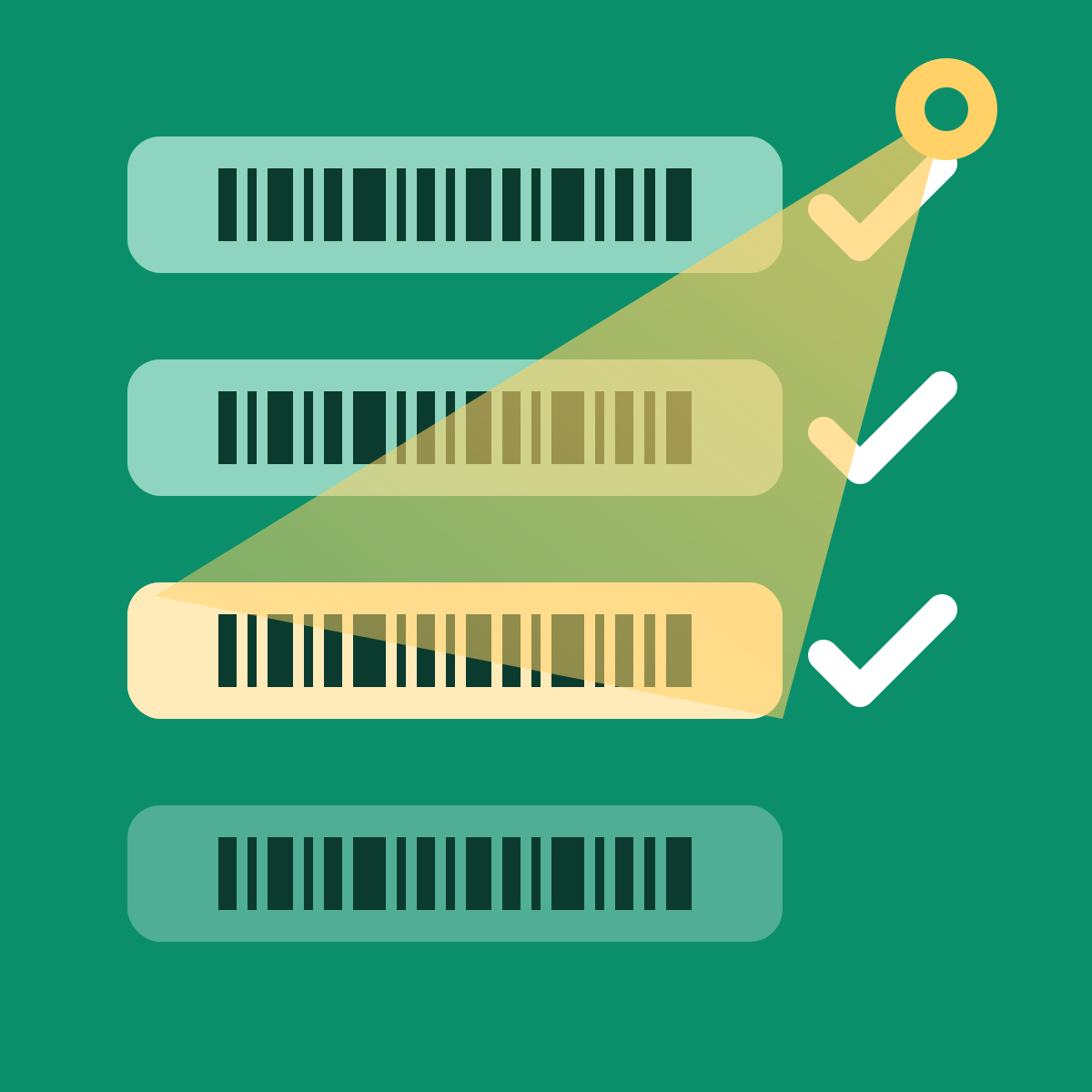
Scan the barcode already printed on the product with any USB scanner. It lands on the right Shopify variant, the cursor moves to the next row, and you pick up the next item. No typing, no clicks, no re-opening each variant.
If you sell other brands' products, every new style arrives with a barcode already on the box. Shopify needs that barcode on the variant before POS can scan it, before Google Shopping accepts it, and before any label app can print it. Recording it by hand means opening each variant, expanding the barcode panel, clicking into the field, scanning, saving — four to six clicks per barcode, and the scanner's Enter key does nothing. A carton of new arrivals becomes an afternoon.
Barcode generators don't help here: they invent a new code. This app records the one that already exists.
Filter to "missing barcode" for the supplier, open the carton, scan each new style once. Done before the box is empty.
Hundreds or thousands of variants without barcodes after an import. Scan them off the shelf in scan mode, or import a CSV from your supplier.
Apparel, footwear, gifts, books: every season brings new styles in every size and colour. Each one is a variant that needs its barcode recorded.
Filter variants by collection, vendor, tag, or just "missing barcode". Or select products in your Shopify product list and choose Scan barcodes from More actions.
The cursor sits on the first row. Scan the item; the barcode appears, the row moves on. Scan the next item. Any USB or Bluetooth scanner in keyboard mode works — Enter, Tab or no suffix, detected automatically.
Scans are collected locally and written to Shopify in batches, so the screen never waits for the network. Every batch is logged and can be undone.
Scan a barcode Shopify doesn't know and the app asks which variant it belongs to — search by SKU or title — instead of stopping at "not found".
Scan your shelf SKU label, then the product barcode. The app pairs them. Walk the aisle with a wireless scanner and save when you're back at the desk. Or use your phone's camera.
A code already used on another variant turns the row red with a link. Check digits are verified before saving, so a code that won't scan at the register never gets saved.
Any barcode scanner that types into a text box works: USB or Bluetooth, 1D or 2D, from Zebra, Honeywell, Dymo, Newland, Tera, Inateck, NetumScan, Eyoyo and most others. The scanner behaves like a keyboard — it "types" the barcode and then sends a finishing key.
On the app's first screen, click the test box and scan any barcode. The app tells you what it received and which finishing key your scanner sends (Enter, Tab, or none) and configures itself. That's it for most scanners.
Your scanner may be in a mode other than keyboard (HID) output, or sending an unusual suffix. Every scanner manual has a page of "setup barcodes" you scan to change these. What to look for:
Manual page references for common models are listed in the app's Settings → Scanner guide.
2D (imager) scanners read barcodes from phone and monitor screens; older 1D laser scanners usually don't. If you plan to scan supplier PDFs or spreadsheets on screen, use a 2D scanner.
$0 / month
Enough for most stores outside receiving season. No card required.
$4.99 / month
Billed through Shopify. Cancel any time from your admin.
No. It writes barcodes only. Receiving quantities stay in Shopify's purchase orders or your inventory app.
Into Shopify's own barcode field on the variant. POS, label printers, Google Shopping feeds and every other app read the same field. Nothing is stored in a second system.
The app is built for it. Shopify's admin already shows multiple barcodes with types; the public API for apps is expected in an upcoming release. The moment it's available, the app will let you record several codes per variant (supplier UPC, case GTIN-14, ASIN, your own code) with types detected automatically.
Use "Generate for missing" to create internal codes with valid check digits, then print them with any label app. If you sell on Amazon or Walmart you'll need GS1-registered codes instead; we don't sell those.
Any scanner that works as a keyboard. See Scanner setup.
Products, variants and inventory (read) and the variant barcode field (write). No orders, no customer data. See our privacy policy.
Email support@entropylabs.dev. We reply in writing within one business day (48 hours at weekends). Include your store's .myshopify.com domain and, for scanner questions, the scanner model and what the test box reported.
Changelog: v1.0 — initial release.